Your App Store. On every screen.
Private analytics for your apps on iPhone, iPad and Mac.

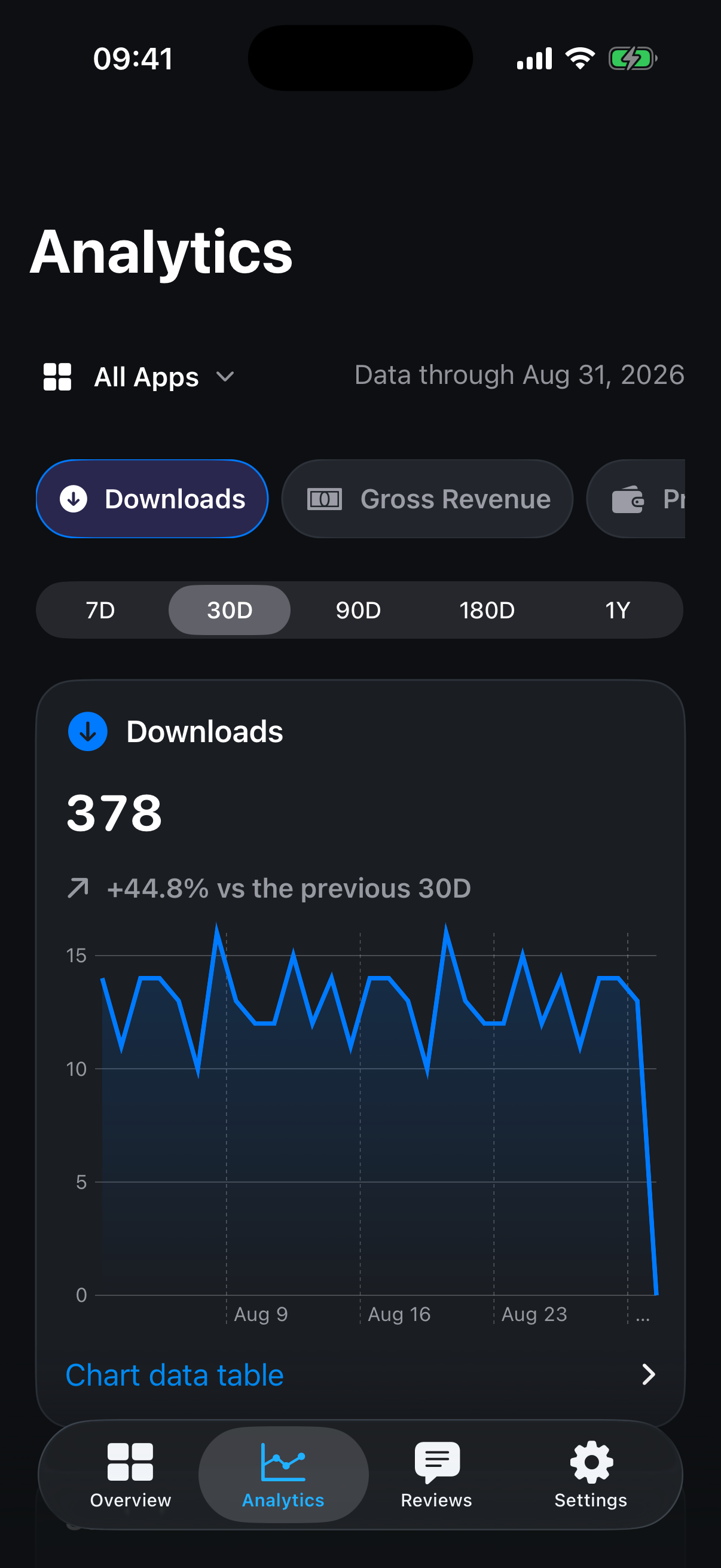
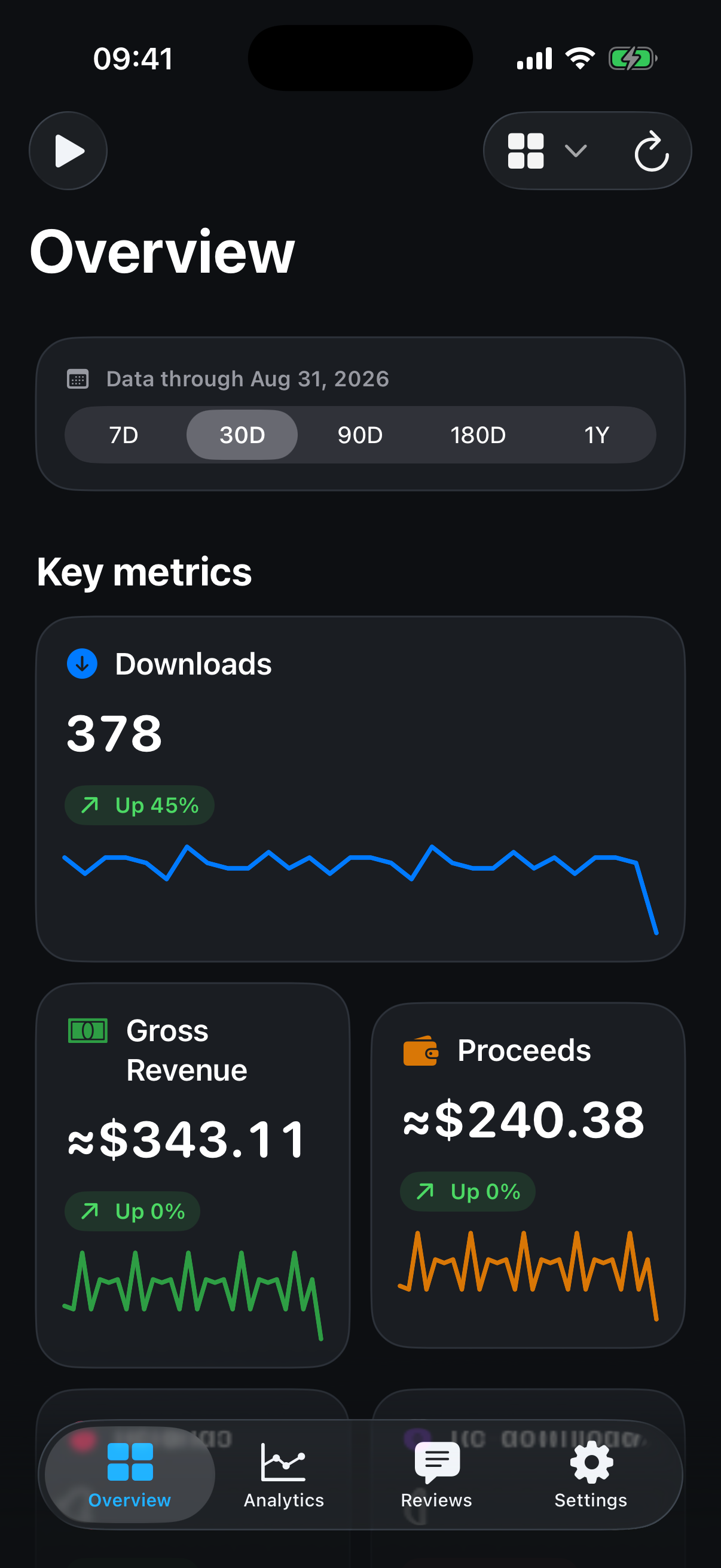
Less reporting. More knowing.
The signal wherever you work, without exporting a spreadsheet or sending business data to another service.
-
Open it. Know where you stand.
-
Go from the total to the why.
-
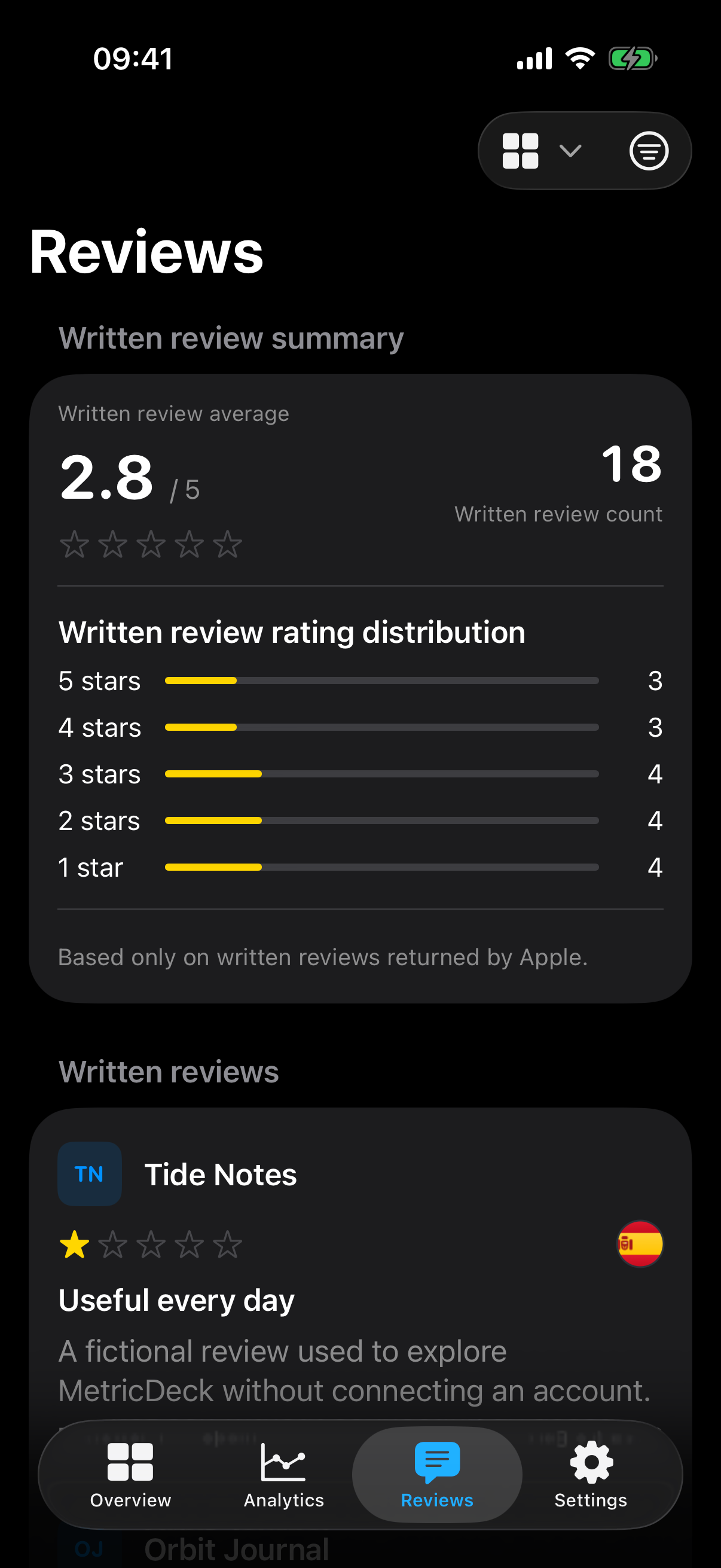
Every written signal, together.
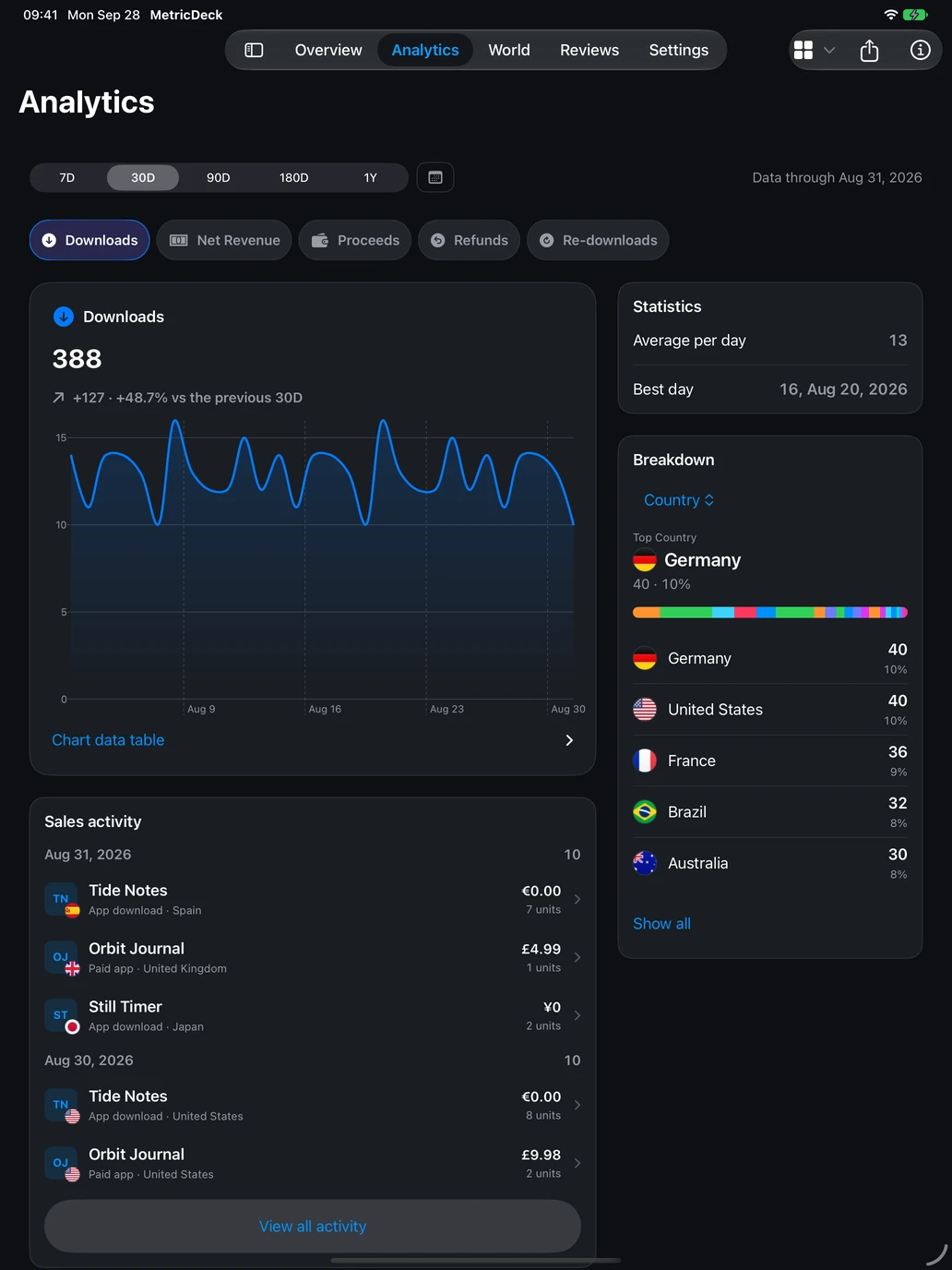

More space. More perspective.
Explore trends, compare countries and read reviews in layouts made for the larger screen.
- Charts and breakdowns side by side
- An interactive world view and country rankings
- Downloaded history available offline
- iPadOS 18 and later
One portfolio. Every screen.
Check in on iPhone, spread out on iPad and keep your numbers beside your work on Mac.
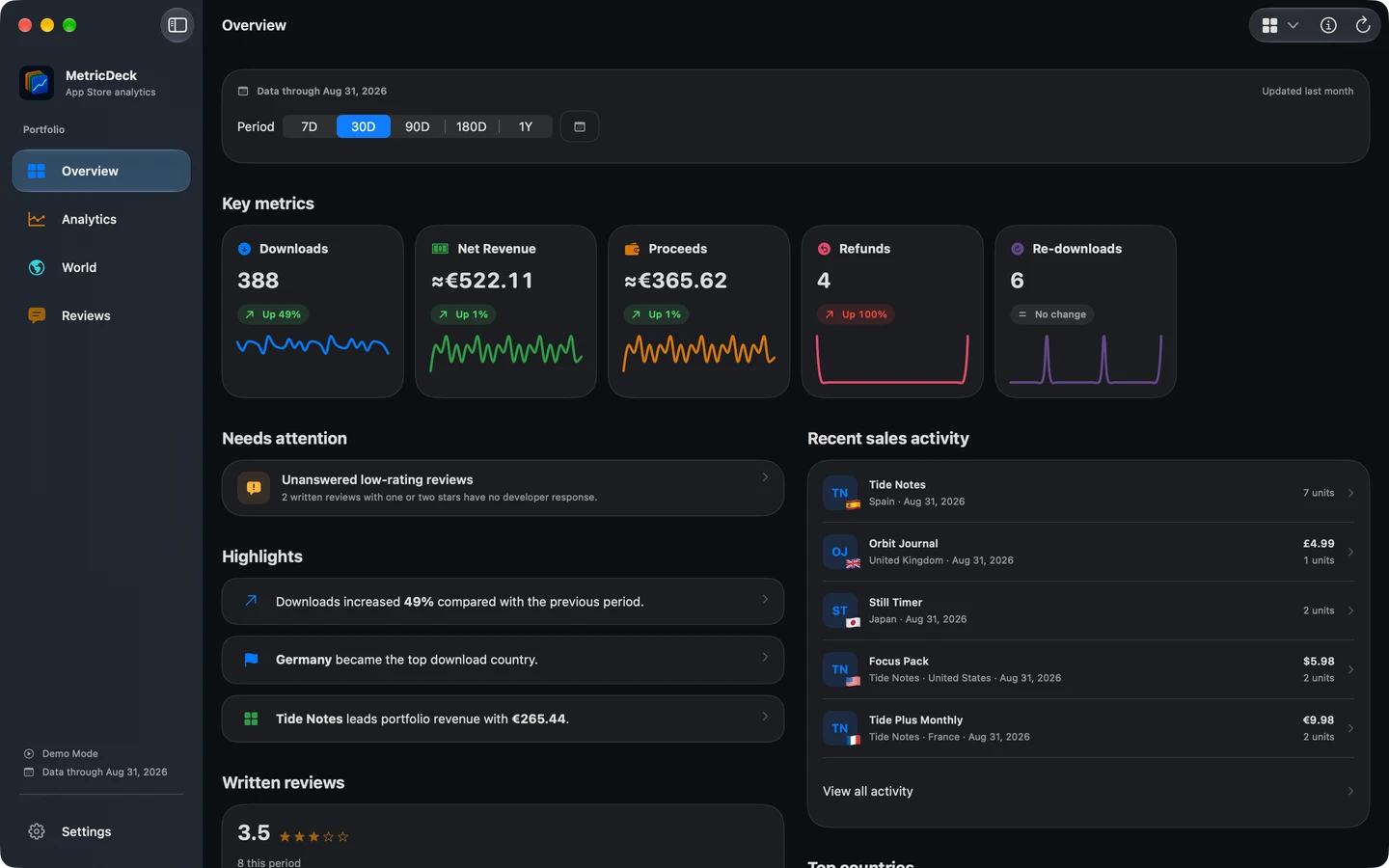

Your business. A bigger picture.
A native sidebar, keyboard navigation and spacious charts. Built for macOS 15 and later.
Connect once. Pick up anywhere.
iCloud Keychain synchronizes credentials securely. Each device downloads and keeps its own reports.
A dashboard that never becomes someone else’s database.
MetricDeck connects directly from your device to App Store Connect. There is no MetricDeck server in between.
Read the privacy policy- App Store ConnectYour reports
- Direct connectionNo MetricDeck server
- Your devicesLocal cache and iCloud Keychain
- No account
- There is no MetricDeck login.
- No analytics SDK
- Your taps are not tracked.
- No ad network
- Your attention is not the product.
- You’re in control
- Removing a connection deletes its local data and its iCloud Keychain credential.
The short answers.
How does MetricDeck connect?
With a read-only App Store Connect API key and Vendor Number. Guided setup validates the credentials directly with Apple and stores them in Keychain. iCloud Keychain can synchronize them between your devices.
Can I try it without connecting an account?
Yes. Explore demo uses stable, fictional app, sales and review data. It never reads Keychain or contacts App Store Connect.
What works when I’m offline?
MetricDeck keeps a protected local cache of downloaded reports, so previously synchronized data remains available without a connection.
Where can I use MetricDeck?
MetricDeck is available on iPhone, iPad and Mac from the same App Store listing. It requires iOS 18, iPadOS 18 or macOS 15 and later.
How does cross-device sync work?
Use the same Apple Account and enable iCloud Passwords and Keychain. Only credentials synchronize. Each device downloads reports, app information, reviews and exchange rates directly. Demo data and settings stay on the device.
Is it a subscription?
No. One app is free. A one-time Lifetime purchase adds every app, multiple App Store Connect connections and combined portfolio analytics across iPhone, iPad and Mac. Restore Purchases uses the same App Store account.
Your numbers are ready. MetricDeck is too.
Start free with one app. Go Lifetime once for every app and every supported device.